

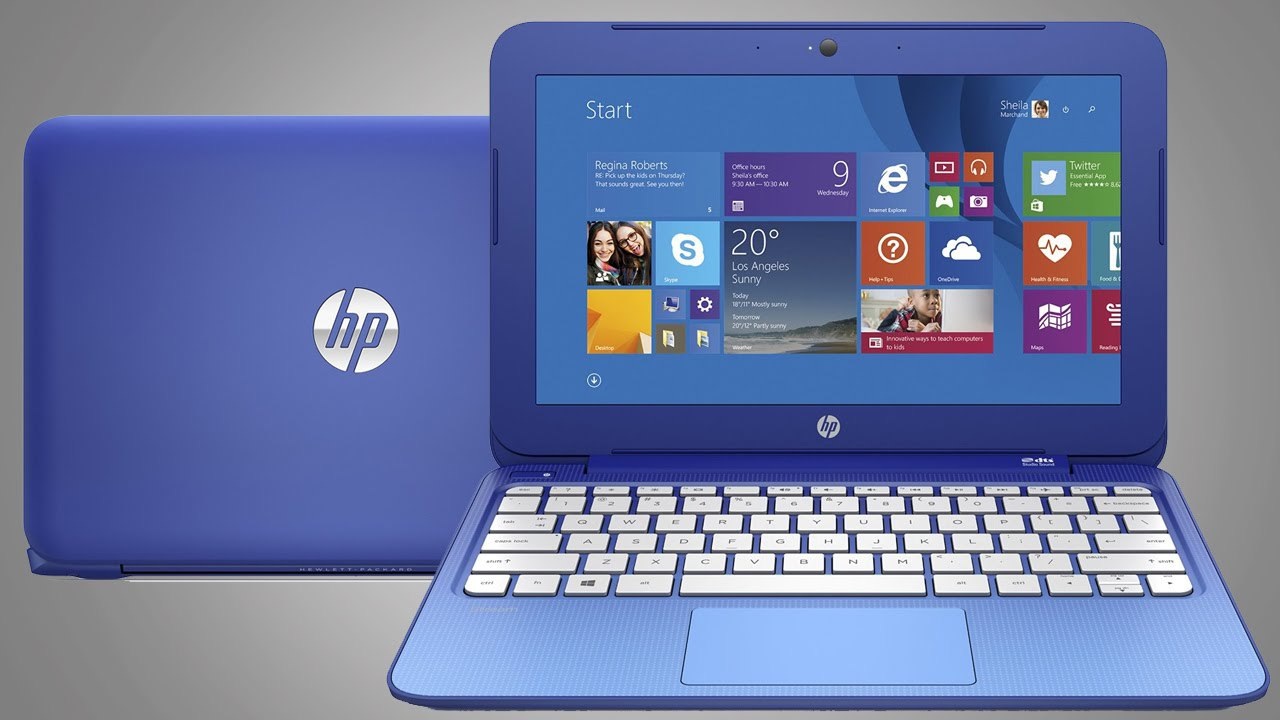
Common Laptop Errors and Problems Reported by Customers
Laptop users may experience various hardware and software issues over time due to regular usage, system updates, or component wear. Below are some of the most common problems frequently reported by customers.
1. Laptop Not Powering On
Symptoms
Laptop does not start when the power button is pressed
No lights or response from the device
Power indicator blinking but system not booting
Possible Causes
Motherboard failure
Faulty power adapter
Dead battery
Power circuit or DC jack issue
2. Laptop Running Slow or Hanging
Symptoms
Slow startup or shutdown
Applications taking a long time to open
System freezing frequently
Possible Causes
Low RAM or storage space
Old or failing hard drive
Malware or virus infection
Too many background programs
3. Blue Screen Errors (BSOD)
Symptoms
Blue screen displaying error codes
Laptop restarting automatically
System crashes during usage
Possible Causes
Corrupt system files
Driver conflicts
RAM or hardware malfunction
4. Overheating Issues
Symptoms
Laptop becoming very hot
Fan running continuously or loudly
Automatic shutdown due to heat
Possible Causes
Dust in cooling fan or heat sink
Faulty cooling fan
Old thermal paste
Heavy software processes
5. Battery Not Charging
Symptoms
Battery percentage stuck or not increasing
Laptop only working when charger is connected
Charging indicator not appearing
Possible Causes
Faulty battery
Charger or adapter problem
Charging port damage
Power IC or motherboard issue
6. Display or Screen Problems
Symptoms
Blank or black screen
Flickering display
Lines or spots on screen
Dim display brightness
Possible Causes
Damaged LCD panel
Loose display cable
Graphics chip failure
Backlight issues
7. Keyboard Malfunction
Symptoms
Some keys not working
Keyboard typing incorrect characters
Entire keyboard not responding
Possible Causes
Dust accumulation
Liquid spill damage
Keyboard hardware failure
Driver issues
8. Touchpad Not Working
Symptoms
Cursor not moving
Touchpad gestures not functioning
Possible Causes
Disabled touchpad settings
Driver problems
Hardware malfunction
9. Wi-Fi or Network Connectivity Issues
Symptoms
Laptop not detecting Wi-Fi networks
Frequent disconnection from internet
Slow internet connectivity
Possible Causes
Wi-Fi driver errors
Faulty wireless card
Router configuration issues
10. Hard Drive Failure
Symptoms
Clicking noise from laptop
Files missing or corrupted
Operating system not loading
Possible Causes
Hard disk damage
Bad sectors
File system corruption
11. Laptop Fan Noise
Symptoms
Loud or unusual fan sound
Continuous fan operation
Possible Causes
Dust accumulation inside fan
Fan motor wear or failure
Excessive CPU load
12. Broken Hinges or Physical Damage
Symptoms
Loose or broken laptop hinges
Difficulty opening or closing the laptop
Screen separating from the body
Possible Causes
Physical stress on hinges
Weak hinge mounts
Accidental damage
13. USB Ports Not Working
Symptoms
USB devices not detected
External devices disconnecting frequently
Possible Causes
Damaged USB port
Driver issues
Motherboard malfunction
14. Liquid Spill Damage
Symptoms
Laptop shutting down after spill
Keyboard or touchpad not responding
Short circuit inside the device
Possible Causes
Water, tea, coffee, or other liquid entering internal components
15. Operating System Boot Errors
Common Errors
“Boot Device Not Found”
“Operating System Missing”
Automatic repair loop
Possible Causes
Corrupted Windows files
Hard drive failure
BIOS configuration problems
Conclusion
These issues are common across most laptop brands and can often be diagnosed and resolved by experienced technicians. Timely servicing and preventive maintenance can help extend the lifespan and performance of your laptop.
Laptop Service Center
B-15, 1st Floor, Shankar Garden,
Opposite Metro Pillar 609, Main Road,
Vikaspuri, New Delhi - 110018
🚇 Nearest Metro Station: Janakpuri West
🕒 Timings:
10:00 AM – 7:00 PM (Seven Days Working)
Sunday: 10:00 AM – 3:00 PM
📞 Phone: +91 9654098378
📞 Phone: +91 9990458823